
When small and mid-market companies outgrow spreadsheets or entry-level tools like QuickBooks and Xero, IT consultancies and software resellers almost instinctively recommend Microsoft Dynamics 365 Business Central (formerly Dynamics NAV / Navision). On the surface, the proposition sounds comforting: familiar Microsoft branding, promised Outlook and Excel synergy, and enterprise-grade prestige.
However, once finance directors and operations leaders review the actual multi-year commitments, the picture changes dramatically. Punishing monthly per-user subscription fees, mandatory Microsoft Cloud Solution Provider (CSP) partner dependencies, closed development architecture based on Microsoft's proprietary AL language, and unpredictable annual price hikes frequently turn a planned operational upgrade into an expensive, inflexible lock-in trap.
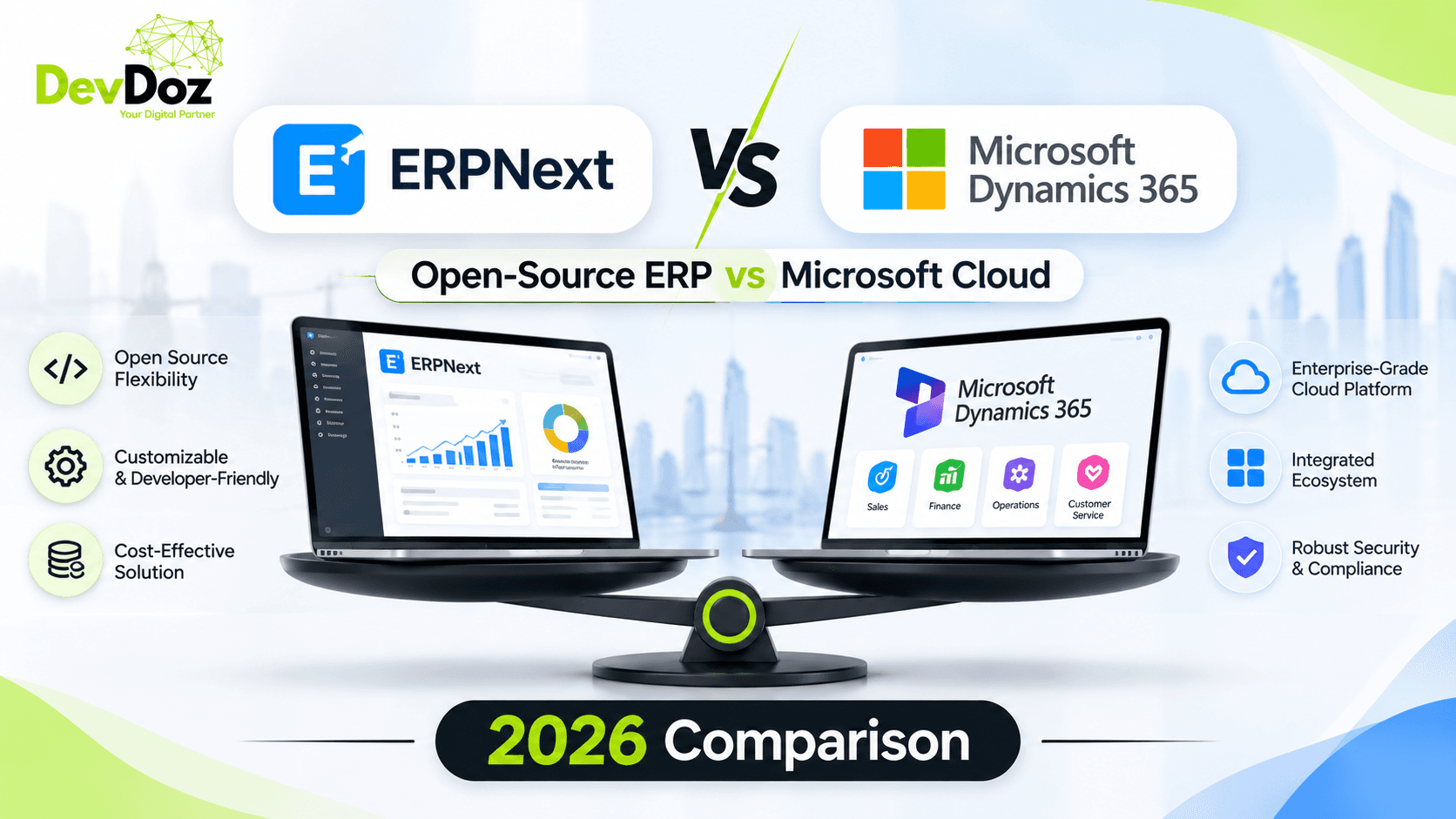
In contrast, ERPNext—the world's premier 100% open-source enterprise ERP built on the Frappe Framework—delivers comprehensive accounting, multi-warehouse supply chain, MRP manufacturing, CRM, HRMS, and project management with zero software licensing fees. At DevDoz, we guide growing companies through this exact evaluation. In this 2026 guide, we compare ERPNext and Microsoft Dynamics 365 Business Central across cost, functionality, customization architecture, hosting flexibility, and long-term organizational freedom.
Pricing Breakdown: The True Cost Difference
Pricing is often the most consequential factor separating ERPNext from Microsoft Dynamics 365. While Microsoft markets Business Central as an "affordable SMB cloud ERP," real-world corporate billing reveals multiple layers of recurring overhead.
Microsoft Dynamics 365 Business Central Pricing (2026)
Microsoft sells Business Central exclusively on a per-user, per-month subscription model under annual commitments:
- Business Central Essentials: $70 per user/month. Covers core financials, basic inventory, sales orders, purchasing, and light project management.
- Business Central Premium: $100 per user/month. Required if your business performs discrete or process Manufacturing or provides Service Order Management.
- Team Members (Read-Only / Basic Input): $8 per user/month. Severely limited; restricted to approving workflows, viewing data, and light timesheet entry.
- Database Capacity Surcharges: Tenant storage is capped (typically 80 GB base for the tenant plus 2–3 GB per user). Additional cloud database capacity costs an exorbitant $40 per gigabyte per month on Azure.
- Mandatory Partner Reseller Layer: You cannot purchase or support Business Central directly from Microsoft. You are legally required to buy licenses through an accredited Microsoft Cloud Solution Provider (CSP), which adds partner margins and annual service agreements.
- Power BI & Power Automate Add-ons: To build custom reporting dashboards or multi-app workflow pipelines, Microsoft expects you to purchase Power BI Pro ($10/user/month) and Power Automate per-flow subscriptions.
For a growing 35-user enterprise (25 operational users needing manufacturing + 10 warehouse/team staff), Business Central licensing alone amounts to $32,000 to $36,000 every single year—before paying a single dollar for implementation, configuration, or ongoing technical support.
ERPNext Pricing Structure
ERPNext is 100% open-source under the GNU General Public License (GPL v3). Every single enterprise module—General Ledger, Multi-Currency, Multi-Company Consolidation, Advanced Manufacturing (BOM, Work Centers, Routing, Job Cards), Quality Inspection, HRMS & Payroll, Helpdesk, and Asset Management—is completely free and unlocked:
- Software License Fees: $0. Zero per-user fees, zero module upgrade charges, zero seat limits.
- Dedicated Cloud Hosting: $50 to $200 per month for enterprise-grade VPS hosting (AWS, DigitalOcean, Hetzner, or managed Frappe Cloud) capable of handling hundreds of concurrent users.
- Implementation & Data Migration: $8,000 to $30,000 one-time engagement with certified Frappe specialists like DevDoz.
- Support & Maintenance: Predictable, fixed-scope annual SLAs with zero vendor lock-in.
5-Year Total Cost of Ownership (TCO) Comparison
To understand the financial impact on company valuation and operating cash flow, compare the 5-year TCO for a 35-user manufacturing and distribution business:
| Cost Component | ERPNext (DevDoz) | Microsoft Dynamics 365 Business Central |
|---|---|---|
| Year 1 Software Licenses (35 users) | $0 (Open-Source) | $31,000 – $42,000 |
| Implementation, Migration & Training | $12,000 – $24,000 | $60,000 – $140,000 |
| Years 2–5 License Renewals (with typical 5% escalation) | $0 | $135,000 – $185,000 |
| 5-Year Cloud Hosting & Server Infra | $4,000 – $9,000 | Included in SaaS (plus Azure storage overages: $3,000+) |
| Annual SLA / Partner Support (5 Years) | $15,000 – $30,000 | $50,000 – $90,000 |
| Total 5-Year Ownership Cost | $31,000 – $63,000 | $279,000 – $457,000+ |
By switching or choosing ERPNext, a 35-user enterprise saves over $250,000 to $400,000 over five years—capital that can directly fund R&D, hire revenue-generating talent, or expand warehouse facilities.
Feature-by-Feature Comparison: Core Capabilities
Both systems are comprehensive ERPs capable of handling end-to-end commerce. However, how they deliver these features—natively vs. through expensive add-on tiers—differs fundamentally:
| Capability | ERPNext | Microsoft Dynamics 365 Business Central |
|---|---|---|
| Financials & Multi-Currency | ✅ Full native chart of accounts, automated FX gain/loss, dimension tagging. | ✅ Full dimensional accounting, multi-currency, bank reconciliation. |
| Multi-Company Consolidation | ✅ Unlimited companies, consolidated balance sheet, automated inter-company transactions. | ✅ Multi-company consolidation and inter-company ledger entries. |
| Inventory & Warehousing | ✅ Multi-warehouse, serial/batch tracking, FEFO/FIFO picking, landed cost vouchers. | ⚠️ Standard inventory in Essentials; advanced WMS (directed pick/put-away) requires Premium or 3rd-party AppSource addons. |
| Manufacturing (MRP / BOM) | ✅ Included free: Multi-level BOMs, Work Centers, Routing, Capacity Planning, Job Cards. | ⚠️ Requires Premium license tier ($100/user/month); Essentials cannot run production work orders. |
| HRMS & Full Payroll | ✅ Native Frappe HR: Biometric attendance, salary structures, leave portals, expense claims. | ❌ Basic employee records only. Full payroll requires external 3rd-party apps (e.g., ADP or Ceridian integrations). |
| Point of Sale (POS) | ✅ Built-in offline-capable touch POS with barcode scanning, shift register, and cashier reconciliations. | ❌ No native retail POS. Requires expensive external ISV add-ons like LS Central. |
| Customization Flexibility | ✅ 100% open Python/JS code + Free low-code Customize Form, Server Scripts, Custom Fields. | ⚠️ Requires specialized AL language developers using Visual Studio Code; high partner fee rates. |
| Hosting Options | ✅ Frappe Cloud, AWS, GCP, Azure, DigitalOcean, or private on-premise local servers. | ⚠️ Heavily restricted to Microsoft Azure SaaS; on-prem licensing carries severe financial penalties. |
| GCC & Regional Compliance | ✅ Native UAE FTA Peppol PINT-AE & Saudi Arabia ZATCA Phase 2 Fatoora clearance. | ⚠️ Localizations depend on third-party regional Microsoft partner extensions and add-on fees. |
Customization Architecture: Frappe Apps vs. Microsoft AL Extensions
Every growing enterprise has unique competitive workflows that no out-of-the-box ERP can satisfy. How an ERP handles custom code determines your operational agility for the next decade.
The Microsoft AL Language Dilemma
In older versions of Dynamics NAV, developers modified core code using C/AL. In Business Central, Microsoft transitioned to AL (Application Language) via Visual Studio Code extensions. While this decoupled customizations from the core codebase to enable monthly SaaS updates, it created significant practical hurdles:
- Scarce, Expensive Talent: AL is a niche, proprietary language used exclusively for Business Central. Experienced AL developers command $150 to $250+ per hour.
- Partner Gatekeeping: In Microsoft's ecosystem, you rarely have direct access to your codebase repository. If you dispute billing with your partner, transferring custom extensions to another partner is fraught with delays and bureaucratic paperwork.
- Complex Events & Subscribers: If Microsoft's standard base application does not expose an integration event hook where your business logic needs to execute, building workarounds requires convoluted custom wrappers.
ERPNext & Frappe: Python Agility with 100% Upgrade Safety
ERPNext is built on the Frappe Framework, written in clean, modern Python on the backend and JavaScript / Vue.js on the frontend:
- Massive Developer Ecosystem: Python and JavaScript are the two most widely taught, accessible programming languages on earth. You are never held hostage by a single consulting firm.
- Decoupled Frappe Custom Apps: At DevDoz, we write custom business logic inside standalone Frappe apps in your private Git repository. Your custom apps hook cleanly into ERPNext doc events without touching core files, ensuring seamless upgrades from version 15 to version 16 and beyond.
- No-Code Admin Customization: Non-technical department heads can add custom fields, establish conditional validation rules, create role permissions, and design print formats directly inside ERPNext's web UI without paying developers.
The Microsoft Ecosystem Trap: Is Office Integration Truly Worth It?
The primary argument Microsoft sales representatives use to close Business Central deals is "native integration with Microsoft 365, Outlook, and Excel." Let's examine how this actually works in practice.
Excel Synergy
Business Central allows users to "Edit in Excel" via an Excel add-in. While convenient for accounting corrections, ERPNext provides equal or superior spreadsheet flexibility. In ERPNext, every single list view, ledger, report, and DocType features instant one-click export to clean .xlsx or .csv. Furthermore, ERPNext's built-in Data Import Tool validates CSV data against strict database rules, reports line-by-line validation errors, and allows bulk updates of thousands of records in seconds.
Automations: Power Automate vs. Built-in Frappe Webhooks
To connect Business Central with external software (such as Shopify, HubSpot, or logistics APIs), Microsoft pushes you toward Power Automate. Power Automate introduces complex licensing limits, per-flow transaction caps, and execution throttles.
In ERPNext, outbound webhooks, automated email alerts, and scheduled background jobs are completely native and unmetered. For multi-step enterprise workflows, DevDoz deploys self-hosted n8n automation pipelines that connect ERPNext to over 400 applications with zero per-transaction fees.
Data Sovereignty and Cloud Lock-In
Where your financial data lives is becoming a matter of statutory compliance. Under tax and data protection regulations in jurisdictions like the UAE, Saudi Arabia, the EU (GDPR), and healthcare providers (HIPAA), strict data residency rules apply:
- Dynamics 365: Microsoft hosts Business Central on its multi-tenant Azure infrastructure. While Azure operates data centers globally, tenant migration, direct raw database access, and on-premise deployments are heavily restricted and expensive. Getting your complete relational SQL database out of Business Central if you decide to cancel is a multi-month ordeal.
- ERPNext: You own 100% of your data and infrastructure. ERPNext runs on standard MariaDB or PostgreSQL. You can deploy it in a private VPC on AWS, Azure, Google Cloud, DigitalOcean, a local sovereign UAE/Saudi data center, or an air-gapped on-premise server. Automated database dumps take seconds via the
bench backupCLI.
Who Microsoft Dynamics 365 Suits
Dynamics 365 Business Central is a mature, capable platform that genuinely fits specific enterprise profiles:
- Enterprises with 300+ Users: Large multinational organizations already heavily invested in Microsoft Enterprise Agreements (EA) where licensing discounts are negotiated at scale.
- Strict Corporate IT Directives: Organizations whose boards or parent corporations enforce a rigid "Microsoft-only" enterprise software policy.
- Specialized ISV Verticals: Companies requiring a specific, highly niche proprietary vertical solution (e.g., naval shipyard ERP) that only exists as an AppSource extension on Business Central.
Who ERPNext Suits Far Better
For the overwhelming majority of small and mid-sized enterprises (15 to 300 users), ERPNext delivers a vastly superior return on investment:
- Growth-Focused SMBs & Mid-Market Leaders: Companies that want to deploy ERP to every department—finance, warehouse, sales, HR, shop floor—without calculating whether they can afford another $100/month user seat.
- Discrete & Process Manufacturers: Businesses needing multi-level BOMs, work centers, job card tracking, and capacity planning without paying top-tier Premium licenses.
- Omnichannel Distributors & Retailers: Companies operating wholesale warehouses alongside retail stores and e-commerce portals who benefit from ERPNext's built-in POS and REST APIs.
- Middle East & GCC Enterprises: Organizations needing compliance with UAE E-Invoicing Peppol PINT-AE and Saudi Arabia ZATCA Phase 2 without paying exorbitant partner localization premiums.
- CFOs Prioritizing Capital Efficiency: Leaders who would rather reinvest $50,000/year into their core operations than pay software license rents.
Migrating from Microsoft Dynamics (NAV / Business Central) to ERPNext
If your company is currently bogged down by escalating Dynamics 365 subscription bills or trapped on an unsupported legacy Dynamics NAV version, migration to ERPNext is a well-trodden, reliable path. At DevDoz, our migration playbook follows five disciplined phases:
- Discovery & Workflow Audit: We audit your current Business Central configuration, chart of accounts dimensions, custom fields, and active third-party extensions to eliminate obsolete customizations.
- Master Data Extraction & Cleansing: We extract customer, vendor, item master, pricing rule, and employee data via SQL exports or RapidStart configuration packages, sanitizing formatting inconsistencies.
- Chart of Accounts & Opening Balances: We map your Business Central posting groups to ERPNext's unified Chart of Accounts, importing opening trial balances, open Accounts Receivable (AR), and Accounts Payable (AP) invoices with ledger sign-offs.
- Isolated Custom App Engineering: We recreate any proprietary business logic using upgrade-safe Frappe Custom Apps, setting up role-based security permissions and automated PDF print formats.
- Parallel Run, Staff Training & Cutover: We conduct hands-on training for accounting, warehouse, and operational personnel, running both systems in parallel before executing a weekend cutover to your new ERPNext instance.
Typical migration timeline: 8 to 14 weeks with zero interruption to daily shipping or customer billing.
Why Choose DevDoz as Your ERP Implementation Partner
Selecting the right ERP software is only half the equation—the expertise of your implementation engineering team determines long-term success. At DevDoz, we combine certified Frappe engineering with deep financial and operational acumen:
- Senior-Only Engineering Pods: Your project is designed and implemented by seasoned ERP architects, not outsourced to junior trainees.
- 100% Upgrade-Safe Custom Apps: We never touch core ERPNext files. All custom logic lives in isolated Frappe apps in your private repository.
- Predictable Fixed-Scope Pricing: Transparent milestone-based proposals with no open-ended billing surprises.
- End-to-End Enablement: From initial process mapping to post-go-live hypercare, we ensure your team embraces their new system with total confidence.
Evaluate ERPNext for Your Business
Thinking about moving away from Microsoft Dynamics 365 or evaluating ERP systems for your growing enterprise? Schedule a complimentary 30-minute architectural assessment with DevDoz senior engineers.