Tally to ERPNext Migration Guide: How to Transition from Desktop Accounting to Cloud ERP
A complete roadmap for business leaders and accountants moving from Tally to ERPNext. Learn how to migrate Chart of Accounts, opening balances, inventory batches, and automate workflows with zero operational downtime.
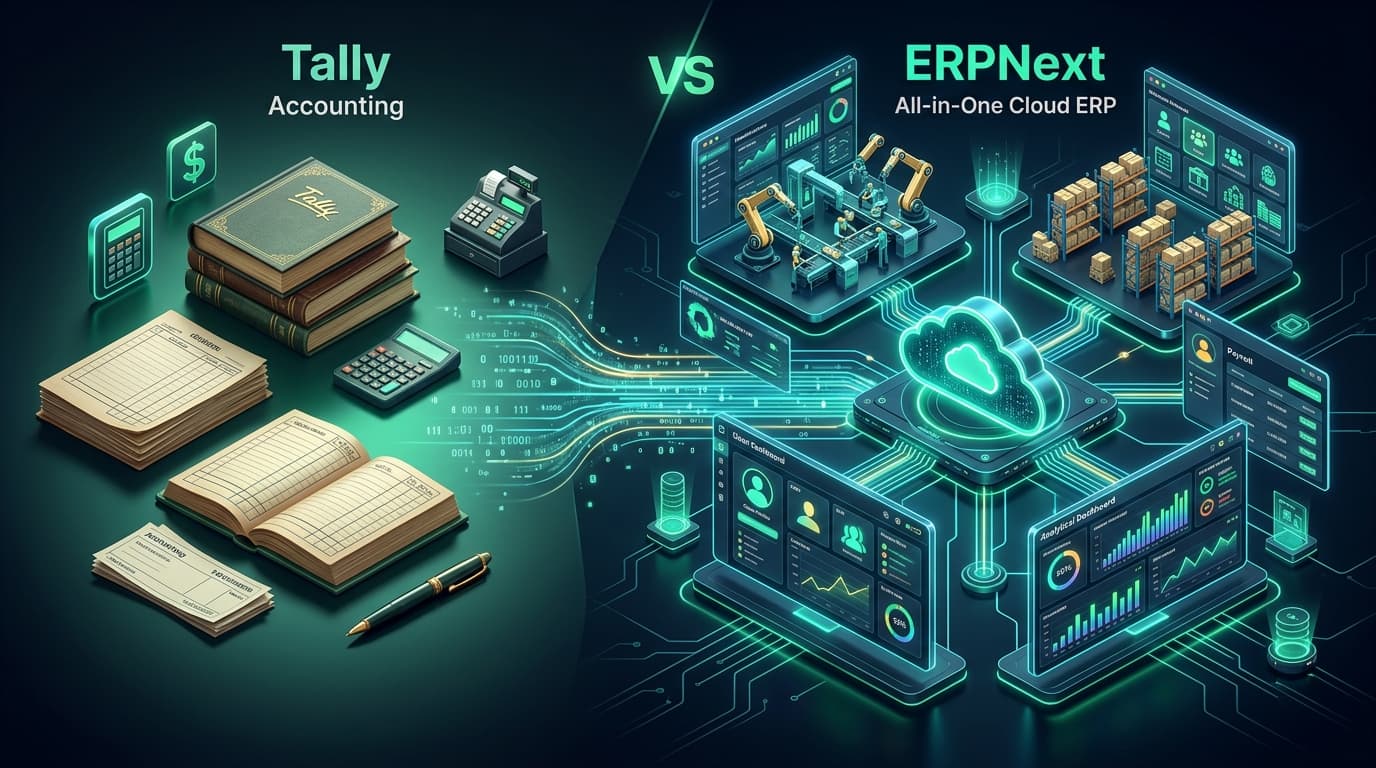
A complete roadmap for business leaders and accountants moving from Tally to ERPNext. Learn how to migrate Chart of Accounts, opening balances, inventory batches, and automate workflows with zero operational downtime.
For decades, Tally (Tally.ERP 9 and TallyPrime) has served as the backbone of bookkeeping for hundreds of thousands of businesses across South Asia, the Middle East, and emerging markets. Its rapid keyboard-driven voucher entry and dependable compliance reports made it an undisputed desktop standard.
However, as modern enterprises expand across multiple branches, introduce omnichannel sales, launch e-commerce portals, and scale complex manufacturing assembly lines, the fundamental architectural limits of desktop accounting software become glaring bottlenecks.
When leadership cannot view real-time sales telemetry without asking an accountant to email an export file, or when warehouse stockouts happen because physical inventory is disconnected from accounting ledgers, businesses realize they have outgrown bookkeeping software. They need an Enterprise Resource Planning (ERP) ecosystem.
This guide provides a comprehensive, actionable technical and operational blueprint for transitioning your organization smoothly from Tally to ERPNext with zero data loss and minimal operational disruption.
Why Growing Businesses Outgrow Tally
Tally is fundamentally a single-ledger accounting and basic inventory tool. ERPNext, built on the open-source Frappe Framework, is an all-in-one cloud operating system for modern business. Here are the core triggers driving companies to make the switch:
| Operational Dimension | Tally (ERP 9 / Prime) | ERPNext (Frappe Cloud) |
|---|---|---|
| System Architecture | Desktop / LAN-bound application with localized database files (TSF). | 100% Web-native, responsive Cloud ERP with secure MariaDB & REST APIs. |
| Multi-Branch Real-Time Sync | Requires manual Tally Sync, third-party RDS/VPS, or nightly data merges. | Native multi-company, multi-currency, and multi-warehouse consolidation in real time. |
| Inventory & Supply Chain | Basic godown tracking; lacks automated PO reordering and BOM routing. | Perpetual inventory, batch/serial tracking, landed cost vouchers, and multi-level BOMs. |
| CRM & Customer Portals | No native CRM; customer balances must be manually shared via PDF exports. | Integrated CRM, omnichannel lead capture, and self-service client invoice/payment portals. |
| Workflows & Approval Chains | Vouchers are posted immediately or depend on rigid TDL scripts. | Visual multi-tier approval workflows (e.g., POs over $5,000 require CFO sign-off). |
| API & E-Commerce Integration | Complex XML/ODBC bridges requiring expensive middleware. | Built-in RESTful API, webhooks, and native Shopify, WooCommerce & Stripe integrations. |
The 6-Phase Migration Roadmap: From Tally to ERPNext
Migrating enterprise financials requires disciplined methodology. At DevDoz, we follow a battle-tested 6-phase migration process designed to guarantee that every cent balances perfectly before your team creates their first live invoice.
Phase 1: Chart of Accounts (COA) Harmonization
In Tally, accounts are structured into Primary Groups and Sub-Groups (such as Sundry Debtors, Sundry Creditors, Duties & Taxes, and Direct Expenses). ERPNext uses a strict 5-root hierarchical tree: Application of Funds (Assets), Source of Funds (Liabilities), Equity, Income, and Expenses.
- Map Tally's Sundry Debtors directly under
Assets > Current Assets > Accounts Receivable. - Map Tally's Sundry Creditors under
Liabilities > Current Liabilities > Accounts Payable. - Create explicit Cost Centers and Accounting Dimensions in ERPNext for branch-level and project-level tracking.
Phase 2: Master Data Extraction & Sanitization
Never import dirty data into a fresh ERP instance. Export your masters from Tally via XML or Excel, and clean up duplicate ledgers before ingestion:
- Customer & Supplier Masters: Normalize company names, tax identification numbers (GSTIN/VAT/NTN), billing/shipping addresses, and contact phone numbers.
- Item Masters: Standardize Item Codes (SKUs), Units of Measure (UOMs), HSN/SAC codes, and Item Groups.
- Price Lists & Tax Templates: Define standard selling and buying price tiers along with regional sales tax/GST item tax templates in ERPNext.
Phase 3: Opening Balances & Cut-off Strategy
Pick a definitive financial cut-off date (ideally the end of a financial quarter or month-end). On the cut-off date, extract the following statements from Tally:
- Closing Trial Balance: Establishes the opening balances across bank accounts, loans, fixed assets, and reserves.
- Accounts Receivable Breakdown: Itemized list of all unpaid customer sales invoices with invoice numbers, dates, and pending balances.
- Accounts Payable Breakdown: Itemized list of all outstanding vendor purchase bills.
- Stock Summary by Warehouse: Quantities, batch numbers, serial numbers, and unit valuation rates for all physical stock on hand.
Phase 4: Automated Data Ingestion via Frappe Data Import & REST API
Using ERPNext's native Data Import Tool or custom Python migration scripts, inject records in exact chronological order:
- Opening Journal Entry: Creates the base debit/credit opening balances balanced against the
Temporary Opening Balanceequity account. - Opening Sales & Purchase Invoices: Posted as opening vouchers against debtors and creditors to preserve invoice-level ageing and credit control.
- Stock Reconciliation Entry: Creates opening inventory quantities and values across your warehouses, tying out directly with your Stock Asset account.
Phase 5: Parallel Run & Reconciliation
For a window of 1 to 2 weeks, both systems operate concurrently. Daily transactions entered into Tally are mirrored in ERPNext to verify:
- Profit & Loss matches down to the penny.
- Tax liability registers (GST/VAT summaries) generate identical figures.
- Bank ledger balances align with real-time bank statements.
Phase 6: Cutover & Role-Based Training
Once reconciliation is approved, Tally is switched to read-only archival mode. The accounting and operations teams shift 100% of new purchase orders, stock receipts, delivery notes, and sales invoices into ERPNext.
Technical Deep-Dive: Transforming Tally Data with Python
For mid-sized and enterprise clients with thousands of SKUs and customer ledgers, manual CSV exports are slow and error-prone. We use automated Python migration utilities that query Tally's local XML server (port 9000) or parse exported XML sheets, mapping them directly to Frappe DocTypes via the REST API.
Here is an architectural example of a Python ingestion script transforming Tally customer ledgers into ERPNext Customer and Address DocTypes:
import requests
import xml.etree.ElementTree as ET

ERPNEXT_URL = "https://your-company.erpnext.com"
API_KEY = "your_api_key"
API_SECRET = "your_api_secret"

headers = {
    "Authorization": f"token {API_KEY}:{API_SECRET}",
    "Content-Type": "application/json"
}

def sync_tally_customer(customer_name, tax_id, territory="All Territories", group="Commercial"):
    """
    Ingests a Tally Sundry Debtor into ERPNext as a unified Customer DocType.
    """
    payload = {
        "doctype": "Customer",
        "customer_name": customer_name,
        "customer_type": "Company",
        "customer_group": group,
        "territory": territory,
        "tax_id": tax_id
    }

    response = requests.post(f"{ERPNEXT_URL}/api/resource/Customer", json=payload, headers=headers)
    if response.status_code == 200:
        print(f"✓ Successfully migrated customer: {customer_name}")
    else:
        print(f"✗ Failed to migrate {customer_name}: {response.text}")

# Example: Parsing Tally XML Export
def parse_and_migrate(xml_file_path):
    tree = ET.parse(xml_file_path)
    root = tree.getroot()

    for ledger in root.findall(".//LEDGER"):
        name = ledger.get("NAME")
        parent_group = ledger.findtext("PARENT", "")
        tax_id = ledger.findtext("INCOMETAXNUMBER", "")

        if "Sundry Debtors" in parent_group:
            sync_tally_customer(customer_name=name, tax_id=tax_id)

# parse_and_migrate("Tally_Ledgers_Export.xml")
3 Critical Mistakes to Avoid During Migration
"An ERP migration is never just an IT upgrade — it is a business process transformation. If you simply copy bad operational habits from your legacy software into ERPNext, you get expensive computerized chaos."
-
Attempting to Migrate 10 Years of Historical Vouchers:
Importing hundreds of thousands of legacy transactional vouchers introduces broken ledger reconciliations and duplicate items. Best practice is to migrate clean Opening Balances on a chosen cut-off date and retain Tally in read-only mode for historical audits.
-
Skipping UOM (Unit of Measure) Standardization:
Tally allows flexible text inputs for units (e.g., "Nos", "Pcs", "Pieces", "BOX"). ERPNext enforces strict relational UOM conversions. Standardize your UOM master table before uploading item records.
-
Ignoring Stock Valuation Methods:
ERPNext supports FIFO and Moving Average valuation. Ensure your opening stock rates in the Stock Reconciliation match your physical inventory audit precisely to avoid balance sheet discrepancies on Day 1.
The Business Outcome: What Changes on Day 1
When our clients at DevDoz complete their transition to ERPNext, the operational shift is immediate:
- Executive Visibility: Leadership accesses real-time cash flow, pending sales dispatch, and profit margins on mobile dashboards without requesting reports from staff.
- Connected Operations: When the warehouse confirms a delivery note, inventory deducts instantly and sales invoices reflect on accounts receivable automatically.
- Automated Debt Collections: ERPNext automatically triggers scheduled payment reminders via email and WhatsApp to customers with overdue balances.
- Zero Hardware Vulnerability: No more panics over corrupted hard drives, lost dongles, or local server crashes. All data is backed up continuously on secure cloud infrastructure.
Ready to Transition from Tally to ERPNext?
Speak with our senior ERP architects. We will evaluate your current Tally data structure, assess your custom workflows, and build a tailored zero-downtime migration roadmap.
Frequently Asked Questions

DevDoz Engineering Team
Frappe ERPNext Specialist & Tech Lead @ DevDoz
Muhammad Ali Husnain specializes in Frappe ERPNext architecture, custom doctype development, and AI process automations for enterprise clients across Pakistan, Saudi Arabia, and the UAE.
Tags
Share this article
Related Articles
Explore our latest insights, tutorials, and updates from the DevDoz team.